Train Gaussian splats on iPhone
Capture a small scene, train it on-device, and export the finished splat without moving the job to a desktop or cloud service.
On-device 3D capture and training
Train small Gaussian Splatting scenes on-device, or capture LiDAR meshes, point clouds, rooms, objects, and camera data.
Free scans refresh every 7 days. No account required. Pro is optional.
6
Capture modes
On-device
Small splat training
Trained splat
Exportable result
ARKit + LiDAR
Native iPhone capture
Voxelio now completes small Gaussian Splatting scenes on iPhone while keeping every technical export available.
Capture a small scene, train it on-device, and export the finished splat without moving the job to a desktop or cloud service.
Export trained splats alongside USDZ, OBJ + MTL, STL, PLY, HEVC video, JSON, poses, intrinsics, textures, and metadata.
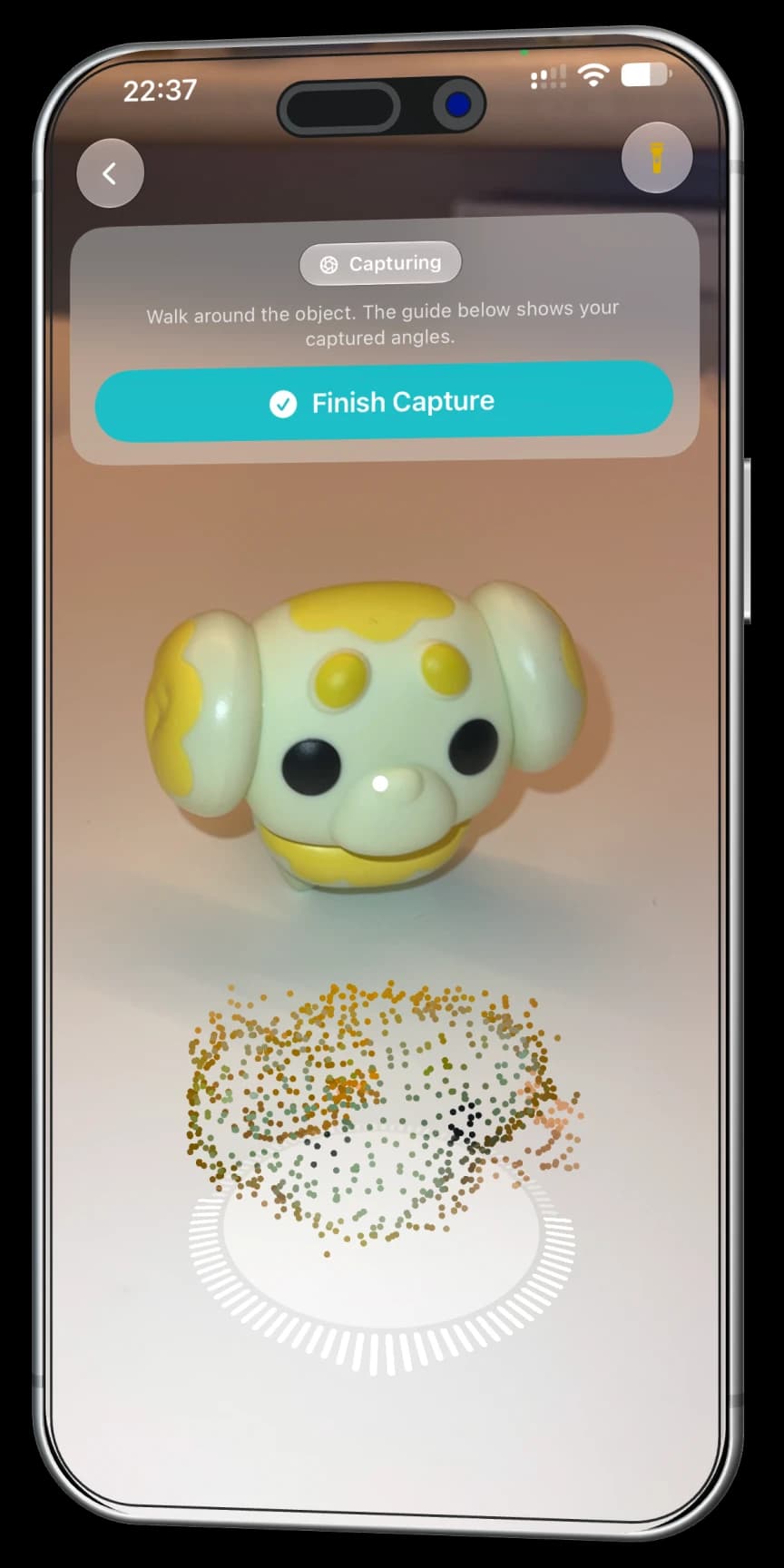
Capture, process, and train small Gaussian Splatting scenes with iPhone hardware, keeping the workflow local from start to finish.
Export the ready-to-use result or keep the structured source data that advanced tools expect, from RoomPlan JSON to camera pose bundles.
Each Voxelio mode is a different landing path: choose the deliverable first, then scan with the workflow built for it.
Gaussian Splat
Capture, train, and export small Gaussian Splatting scenes directly on iPhone.
Object Scan
On-device Object Capture for high-fidelity models of individual items.
Room Scan
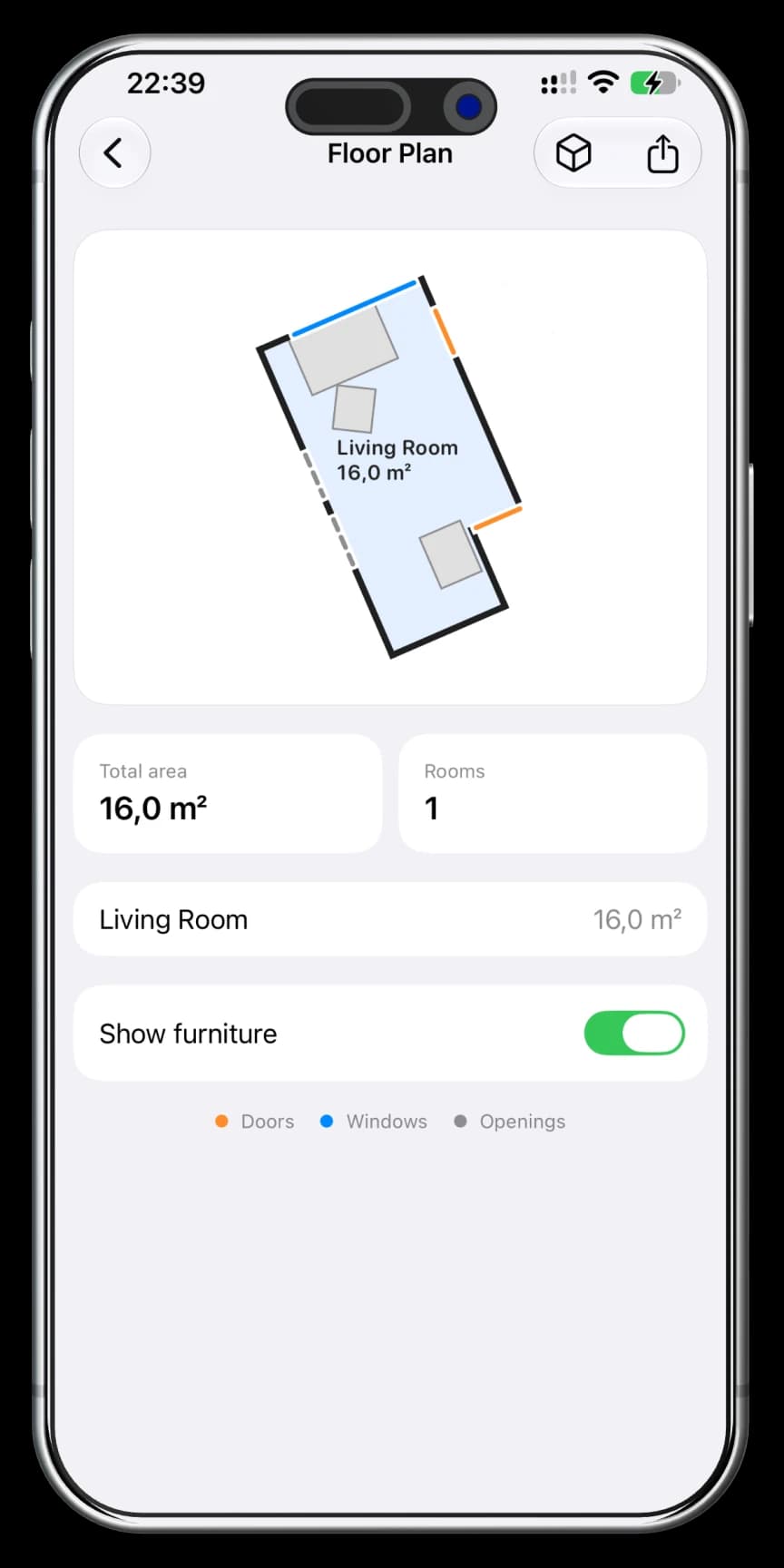
Structured room models with walls, openings, furniture, USDZ, and JSON.
LiDAR Scan
LiDAR room and environment meshes with texture and classification options.
Point Cloud
Colored AR depth samples with density, confidence, and preview controls.
Dual Camera
Synchronized wide and ultra-wide HEVC capture where MultiCam is available.
On-device splat training adds a finished 3D result without hiding the calibrated source data behind it.
From camera frames to a trained 3D scene on one device.
Capture, training, processing, and export stay connected, whether you need a finished splat or structured data for another tool.
Voxelio uses ARKit, LiDAR depth, camera frames, and device motion to build mode-specific source data directly on iPhone.
Small Gaussian Splatting scenes train directly on iPhone, while other modes process meshes, point clouds, rooms, poses, and keyframes.
Export the trained splat or a downstream-ready bundle of geometry, textures, video, metadata, JSON, and calibration data.
Small splat scenes no longer need a separate training machine. Capture, train, and export in one workflow.
Start with the result you need: a trained splat, video, mesh, point cloud, structured room, or object model.
Move around the room or object while Voxelio shows mode-specific guidance, coverage, preview, and capture state.
Voxelio trains small Gaussian Splatting scenes and processes supported scan modes directly on iPhone.
Save the trained splat, geometry, textures, poses, video, depth, or JSON that matches the selected workflow.
Voxelio is for people who need the real world in their design, research, sales, or production pipeline.
Capture room geometry before planning layouts, furniture, and renovation details.
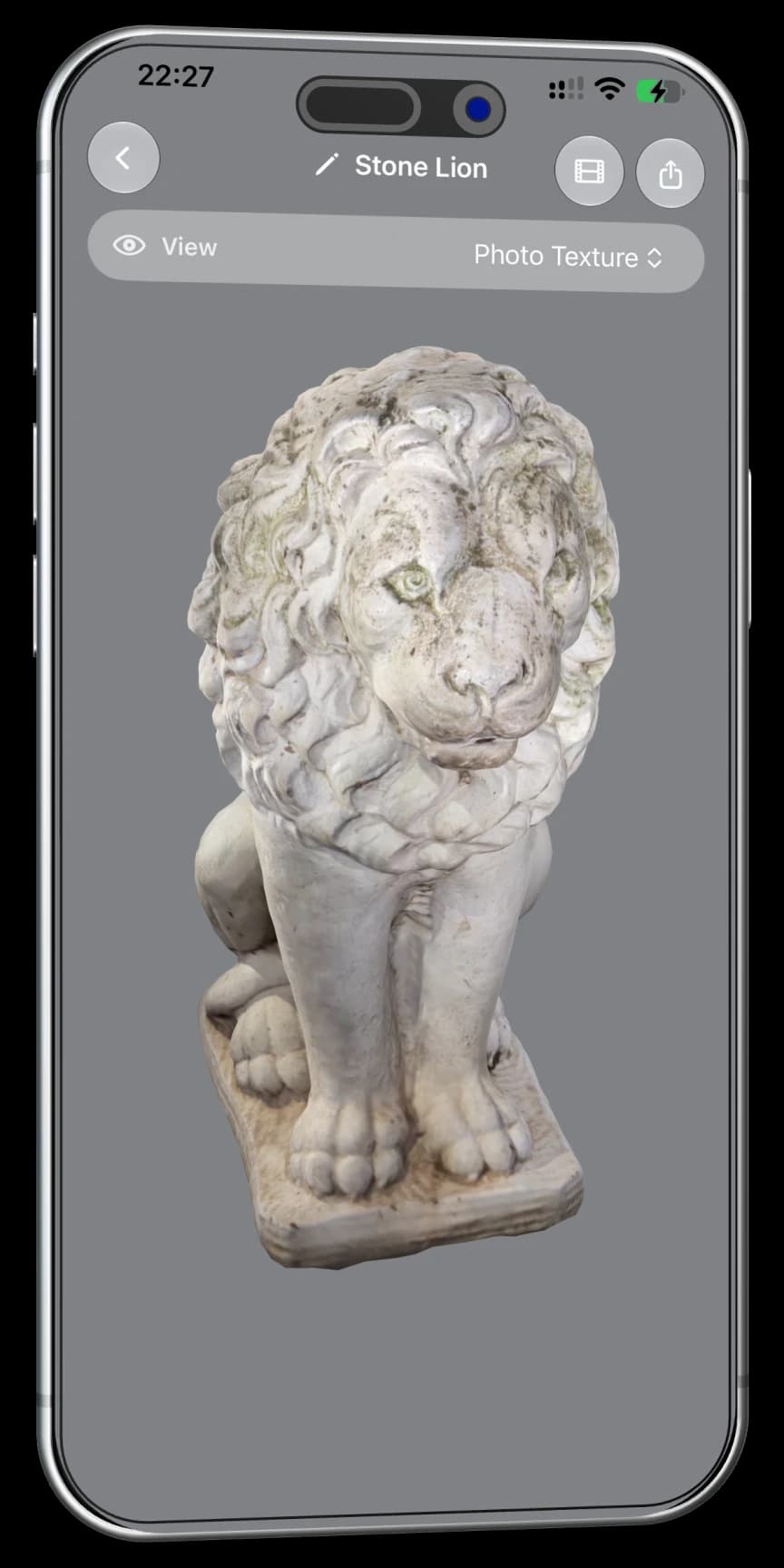
Create small trained splats, meshes, object scans, reference video, and camera data for creative pipelines.
Record depth, pose, intrinsics, and video bundles for CV and reconstruction workflows.
Document physical spaces with an iPhone when specialized capture rigs are not practical.
Create object models and spatial references that help products move beyond flat photos.
Scan parts and objects as references for fabrication, repair, and 3D printing workflows.
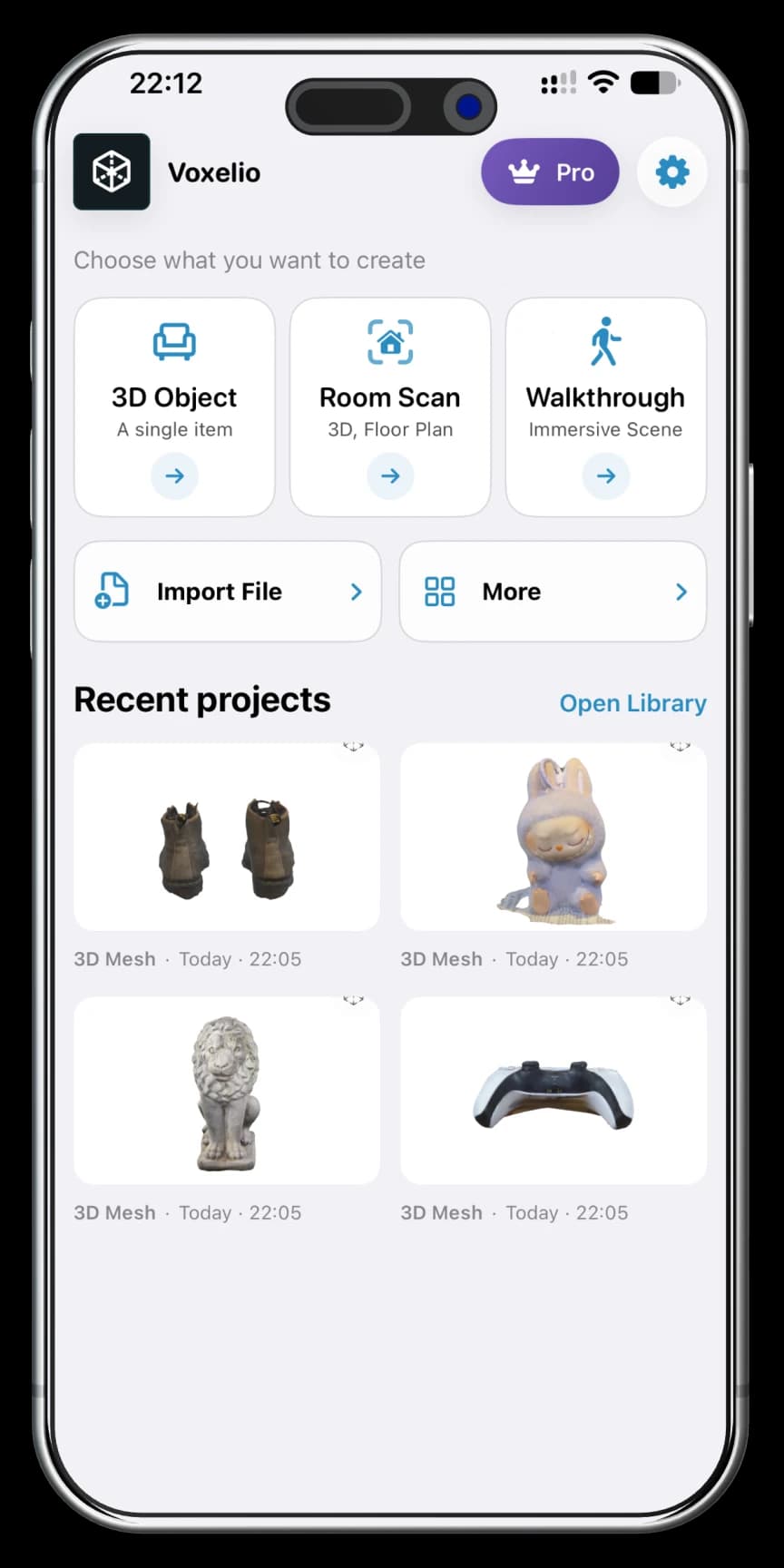
The best 3D scanner is the one you can carry, understand, and trust before you leave the room.
Voxelio's promise is practical: capture the scene, train it on iPhone, and export the result.
Create small Gaussian Splatting scenes without uploading raw capture data to a cloud training service first.
Every mode states what it produces, so users know when to choose mesh, point cloud, video, RoomPlan, or object capture.
The workflow starts from ARKit, LiDAR, camera streams, and the constraints of scanning with a real phone.
Pricing
Start with the free allowance and every capture mode. Upgrade only when you need unlimited scanning or Pro export and quality options.
Free
The app shows your current allowance and the next refresh date.
Voxelio Pro
Choose weekly, monthly, yearly, or Lifetime in the app.
 Contact team
Plans and local prices are shown by Apple in your storefront. Subscriptions renew unless cancelled; Lifetime is a one-time purchase.
Pricing FAQ
Your free allowance refreshes every seven days. Voxelio shows the current allowance and next refresh date in the app, so you can check before a capture session.
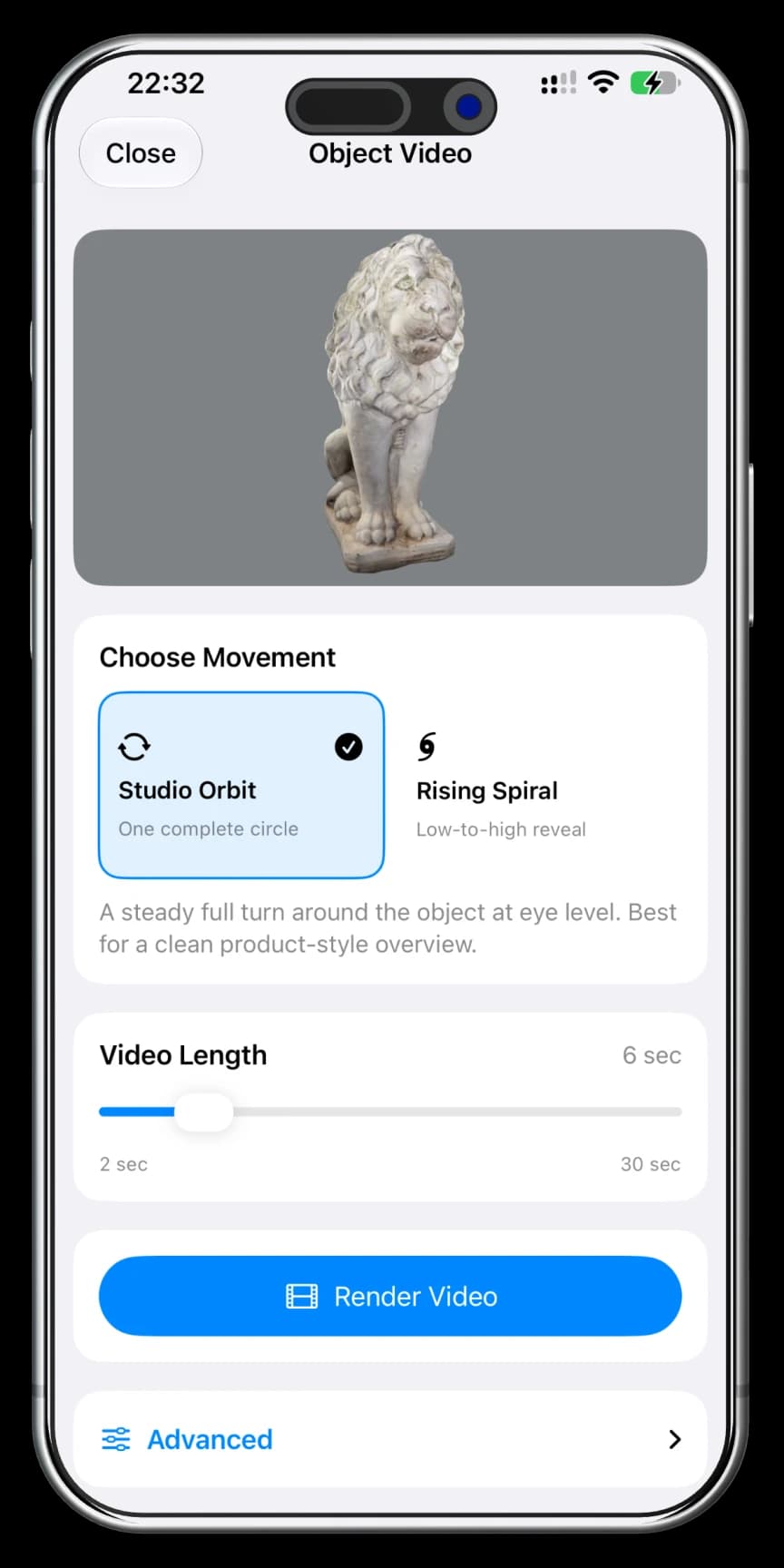
No. The current capture modes and their standard mode-specific exports are available during free use. Pro adds unlimited scans, an Ultra High Gaussian processing target, and watermark-free floor-plan and cinematic-video exports.
Lifetime is a one-time in-app purchase for Voxelio Pro rather than a recurring subscription. The App Store shows the current local price and purchase terms.
No account is required to start scanning. Supported capture and processing workflows run on the iPhone, and projects stay local unless you choose to export, share, or transfer them.
No. LiDAR, Object Capture, RoomPlan, depth, and MultiCam capabilities depend on the device. Pro does not add hardware features that an iPhone does not support.
App Store ready
Create small Gaussian Splatting scenes on-device, or choose five other capture modes for your next spatial workflow.